

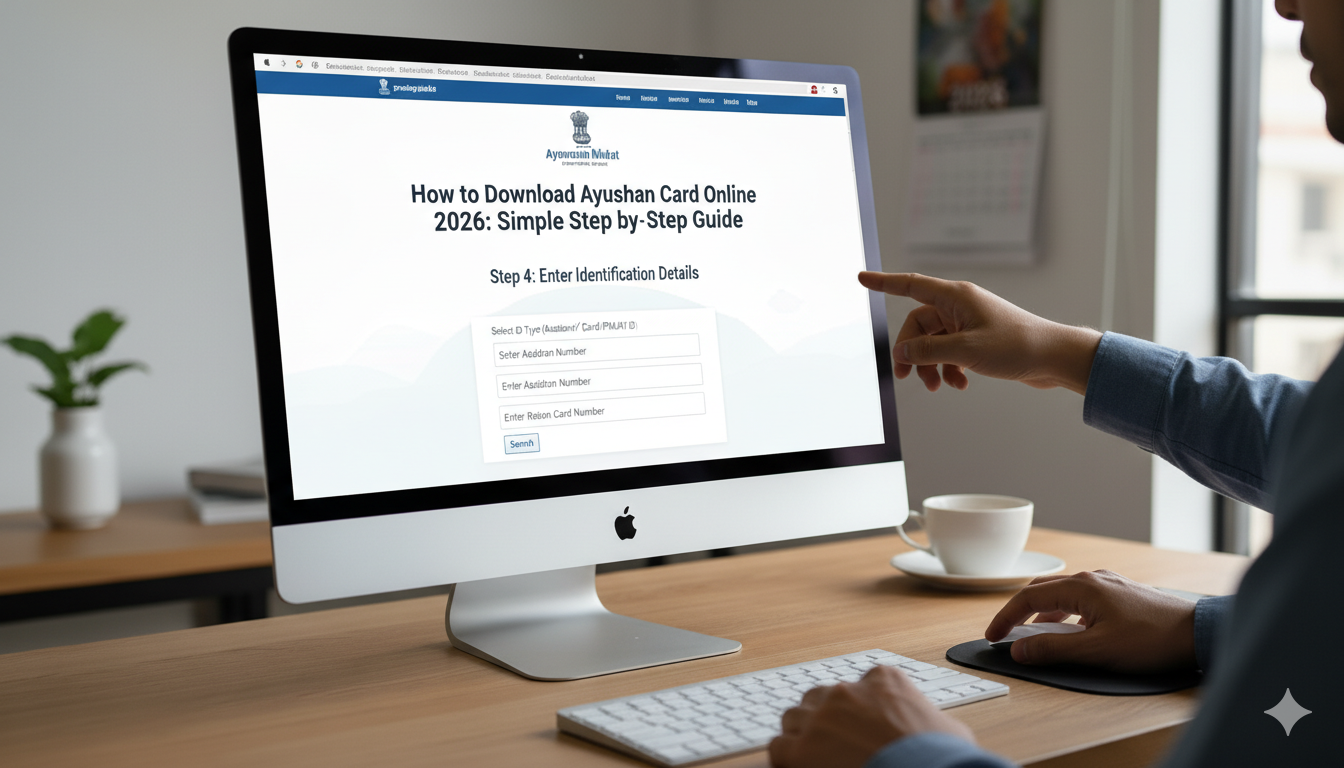
Have you ever worried about high hospital bills? Many families feel this stress every day. Luckily, the Indian government created a wonderful program to help. It is called the Ayushman Bharat Yojana. This plan gives families up to 5 lakh rupees for medical care every year. But to get this help, you need your golden card. In this guide, I will show you exactly how to download ayushman card online so you can stay protected. It is much easier than you think, and you can do it right from your sofa!
What is the Ayushman Bharat Card?
The Ayushman card is like a magic key for health. It is a digital card that proves you are part of the Pradhan Mantri Jan Arogya Yojana (PMJAY). If you have this card, you can go to many hospitals and get treatment without paying cash. The hospital talks to the government, and the government pays the bill. Knowing how to download ayushman card online is the first step to making sure your family is safe during a medical emergency. It covers big surgeries, medicines, and even doctor fees.
Beneficiary Details at a Glance
| Feature | Details |
| Scheme Name | Ayushman Bharat PM-JAY |
| Benefit Amount | ₹5 Lakh per family per year |
| Card Type | Golden E-Card (PDF) |
| Eligibility | Low-income families, SECC 2011 list |
| Official Website | beneficiary.nha.gov.in |
| Helpline Number | 14555 |
Why You Should Download Your Card Today
You might ask, “Why do I need to learn how to download ayushman card online right now?” The answer is simple: emergencies don’t give warnings. If someone gets sick, you don’t want to hunt for papers. Having a digital copy on your phone means you are always ready. Since the system is now fully digital in 2026, you don’t even need to wait for a plastic card to arrive by mail. You can just print the PDF yourself.
Simple Requirements for Online Download
Before we start, let’s gather a few things. To learn how to download ayushman card online, you only need three main items. First, you need your Aadhaar card. Second, you need the mobile phone that is linked to your Aadhaar. This is because the website will send you a secret code (OTP) to make sure it is really you. Lastly, you need a stable internet connection. If you have these, you are 90% of the way there!
Visit the Official Beneficiary Portal
The very first step in how to download ayushman card online is going to the right website. You should visit beneficiary.nha.gov.in. Be careful not to click on fake websites that ask for money. The official portal is clean and easy to use. Once the page loads, look for the “Login” section. You will see an option for “Beneficiary.” Make sure that is selected because you are the one receiving the benefits.
Logging in with Your Mobile Number
Now, enter your 10-digit mobile number in the box. Click on the “Verify” button. Within a few seconds, you will get a text message with an OTP. Type those numbers into the website. This step is very important for how to download ayushman card online because it keeps your data safe. Once you enter the code and the captcha (those funny-looking letters), click “Login.”
Searching for Your Name
Once you are inside, you will see a search page. This is where you find your family records. Choose your State and the Scheme (usually PMJAY). You can search by your Aadhaar Number, which is the fastest way. After you type your 12-digit Aadhaar number, hit the search icon. If your family is registered, a list of names will pop up on the screen. This is a big part of how to download ayushman card online successfully.
The Final Download Process
Look for your name in the list. Next to your name, you will see a “Download” button or a small arrow icon. Click it! The system might ask for one more Aadhaar OTP to be safe. After that, your card will appear as a PDF file. Congratulations! You now know how to download ayushman card online. You can save this file on your phone or send it to a shop to get a color printout.
Using the Ayushman App on Your Phone
If you don’t like using websites, there is a mobile app too! Go to the Google Play Store and search for the “Ayushman App.” The steps are very similar to the website. You log in, find your name, and click download. Many people find the app easier because you can use “Face Auth” (it looks at your face to verify you) if you don’t have your Aadhaar-linked phone nearby. Learning how to download ayushman card online via the app is great for younger folks who use smartphones all the time.
How to Check if You Are Eligible
Not everyone can get this card. It is meant for people who need financial help the most. Usually, if your name was in the 2011 census for low-income groups, you are eligible. If you try the steps for how to download ayushman card online and can’t find your name, don’t worry. You can visit a nearby “Common Service Center” (CSC) or a government hospital to ask for help. They can check if your family can be added to the list.
Common Problems and Quick Fixes
Sometimes, things don’t go perfectly. You might not get an OTP, or the website might be slow. If the OTP doesn’t arrive, wait 2 minutes and click “Resend.” If the website is slow, try early in the morning or late at night. Another common issue when learning how to download ayushman card online is a name mismatch. If your name is spelled differently on your Aadhaar and the Ration Card, the system might get confused. In that case, you might need to visit a local official to fix the spelling.
Benefits of Having the Physical Printout
Even though you know how to download ayushman card online, I highly recommend getting a physical printout. Keep it with your other important papers like your ID or Ration card. If you go to a hospital, showing a physical card is often faster for the staff to scan. You can even laminate it so it doesn’t get wet or torn. It’s a small step that provides huge peace of mind for your parents and children.
Conclusion: Take Action for Your Health
Now that you have learned how to download ayushman card online, don’t wait for tomorrow. It only takes five minutes to secure five lakhs of health insurance. This card is a gift of health and safety for your family. Go ahead, open the portal, and get your card today. If you found this guide helpful, why not share it with a neighbor? Everyone deserves to know how to get the help they need.
Frequently Asked Questions (FAQs)
- Is there any fee for learning how to download ayushman card online?
No, downloading the card from the official government website is completely free. You should never pay anyone online to download it for you.
- Can I download the card for my whole family at once?
Yes! Once you log in and search using your Family ID or Aadhaar, the names of all eligible family members will show up. You can download each card one by one.
- What if my mobile number is not linked to my Aadhaar?
If your number isn’t linked, you won’t get the OTP. In this case, you cannot use the online method. You will need to visit a “Common Service Center” (CSC) and use your fingerprints to verify and get your card.
- Can I use the Ayushman card in private hospitals?
Yes, but only in “empanelled” private hospitals. These are private hospitals that have a special agreement with the government. You can check the list of these hospitals on the same website.
- Do I need to renew the card every year?
No, once you have learned how to download ayushman card online and you have the card, it stays valid. You don’t need to download a new one every year unless the government changes your details.
